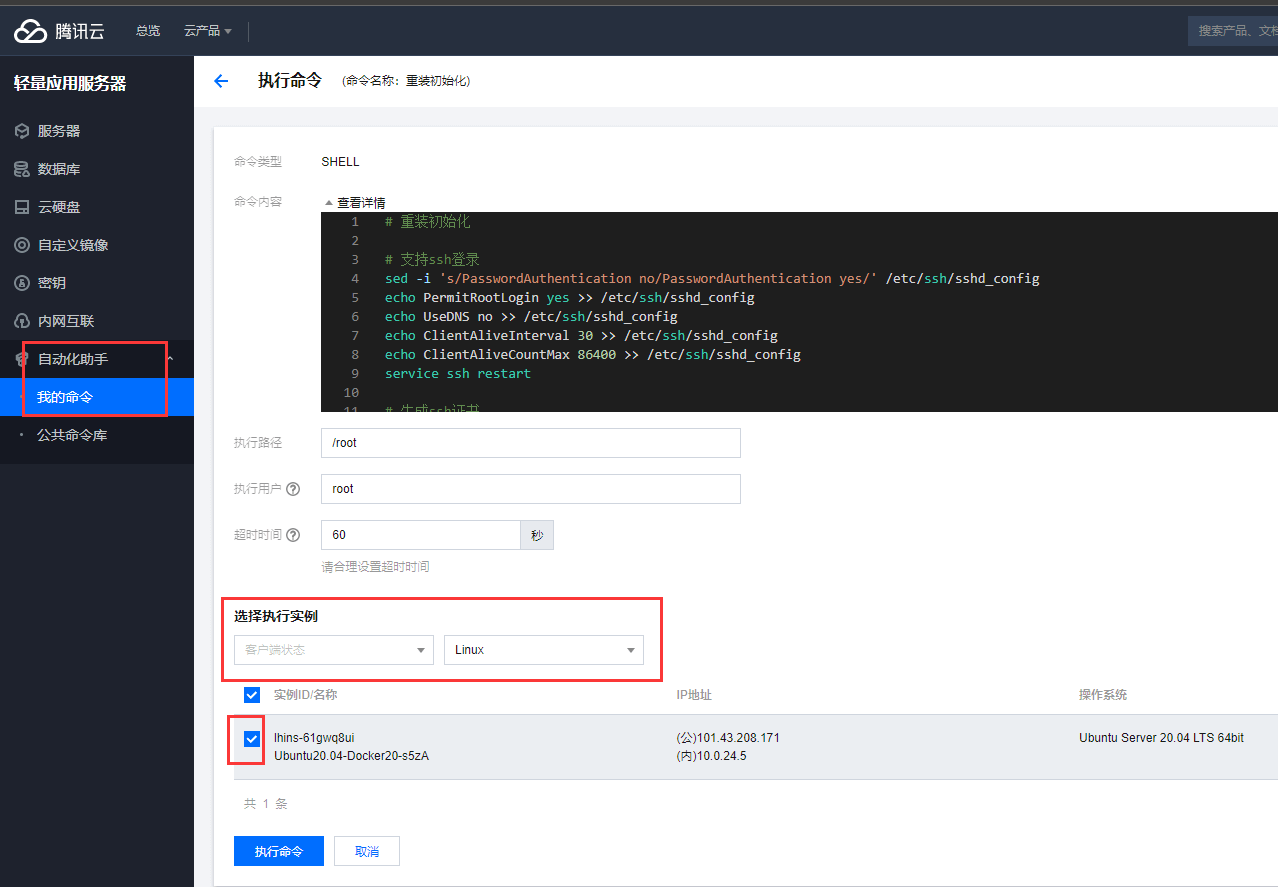
重装
选择重装
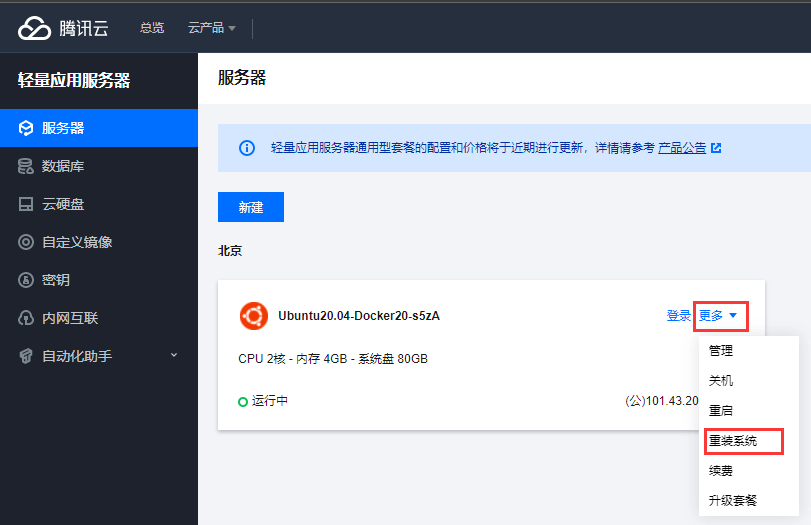
选择 Ubuntu-20
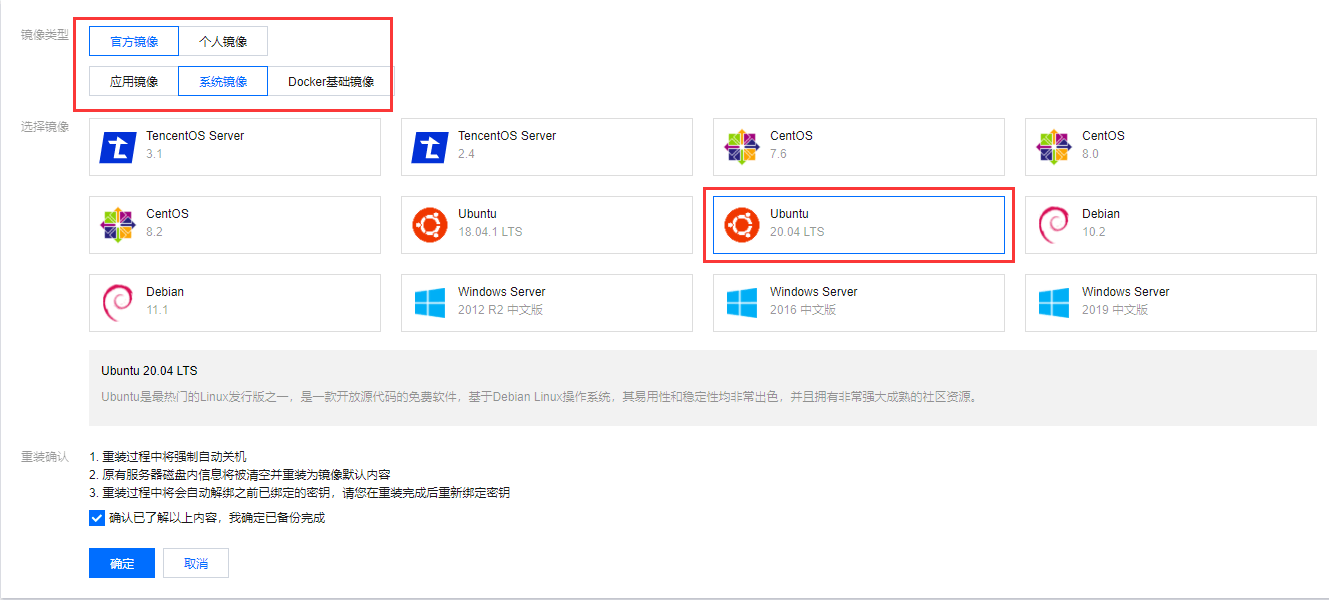
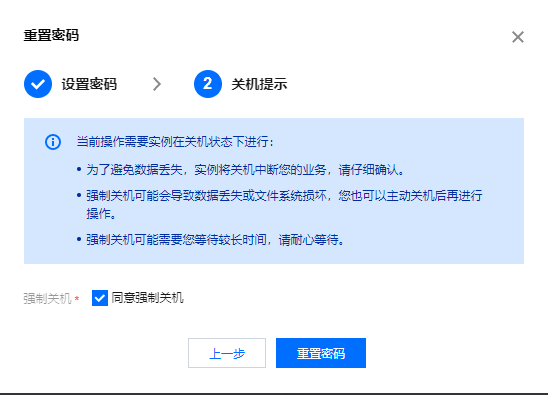
重置密码
选择重置密码

指定用户名 root
重置密码
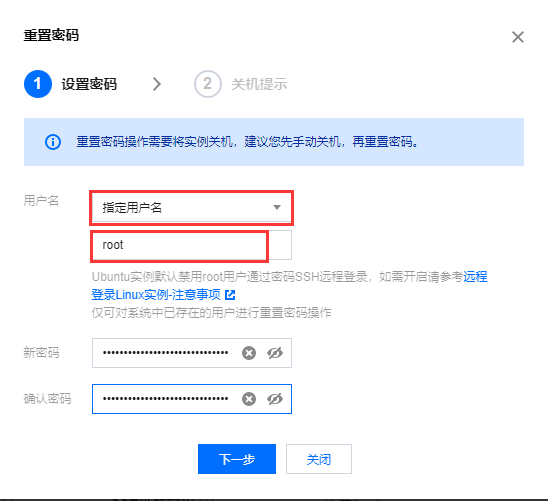
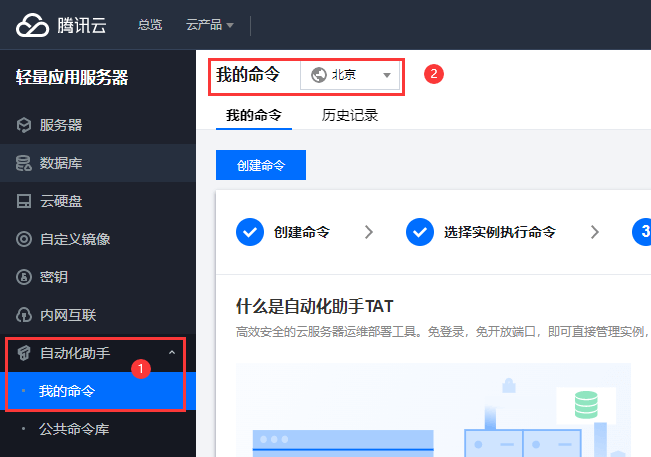
自动化命令
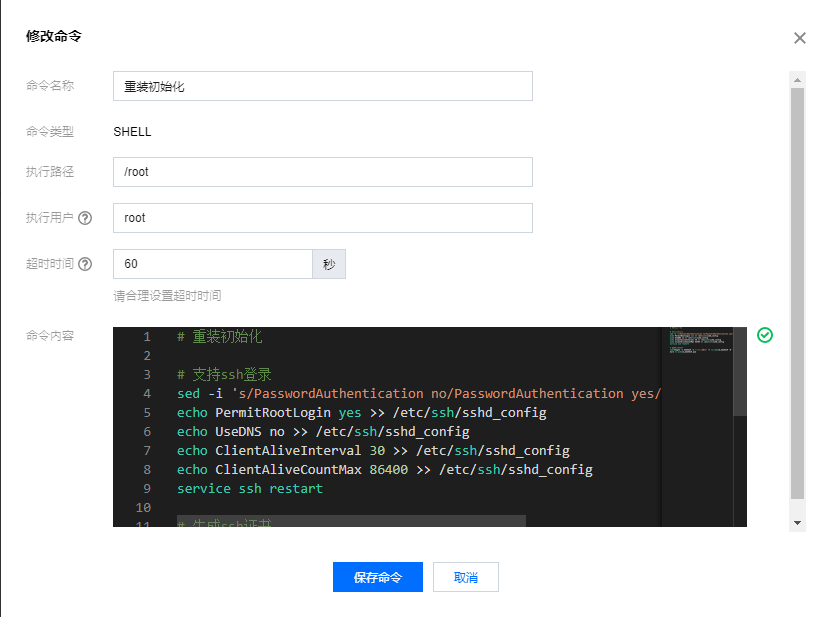
添加自动化命令 <重装初始化>, 方便下次重装时自动执行命名
创建命令
添加命令
1
2
3
4
5
6
7
8
9
10
11
12
13
|
sed -i 's/PasswordAuthentication no/PasswordAuthentication yes/' /etc/ssh/sshd_config
echo PermitRootLogin yes >> /etc/ssh/sshd_config
echo UseDNS no >> /etc/ssh/sshd_config
echo ClientAliveInterval 30 >> /etc/ssh/sshd_config
echo ClientAliveCountMax 86400 >> /etc/ssh/sshd_config
service ssh restart
ssh-keygen -t ed25519 -C "腾讯轻量云" -f ~/.ssh/id_ed25519 -N '' -q
more ~/.ssh/id_ed25519.pub
|
执行命令